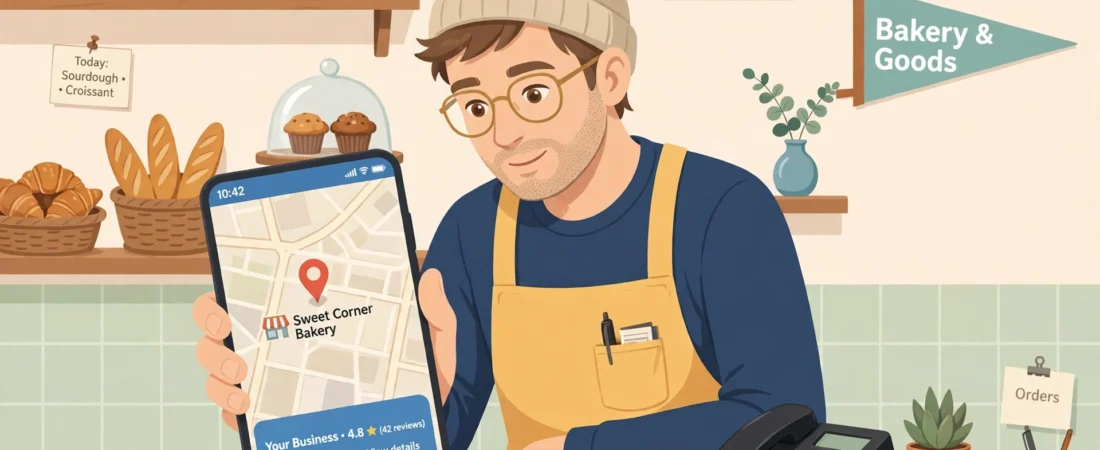
You can see your business on the map. Customers can see it too — your profile gets views every week. But the phone barely rings, and the “request directions” count is not much better. A Google Maps no calls problem is one of the most frustrating issues a local business can have, because everything looks fine on the surface.
The good news: appearing on the map is the hard part, and you have already done it. What is usually missing is the second half of the job — giving people a reason, and an easy way, to contact you in the few seconds they spend looking at your listing. Here are the 6 fixes I work through, in order.
The short answer
If your business shows on Google Maps but gets no calls, the problem is usually conversion, not visibility: check your dashboard’s actions, then fix the call button and number, tighten category and services so the right searchers find you, add trust-building photos, correct your hours, build recent reviews with replies, and test every button yourself.
First, confirm it really is a views-without-calls problem
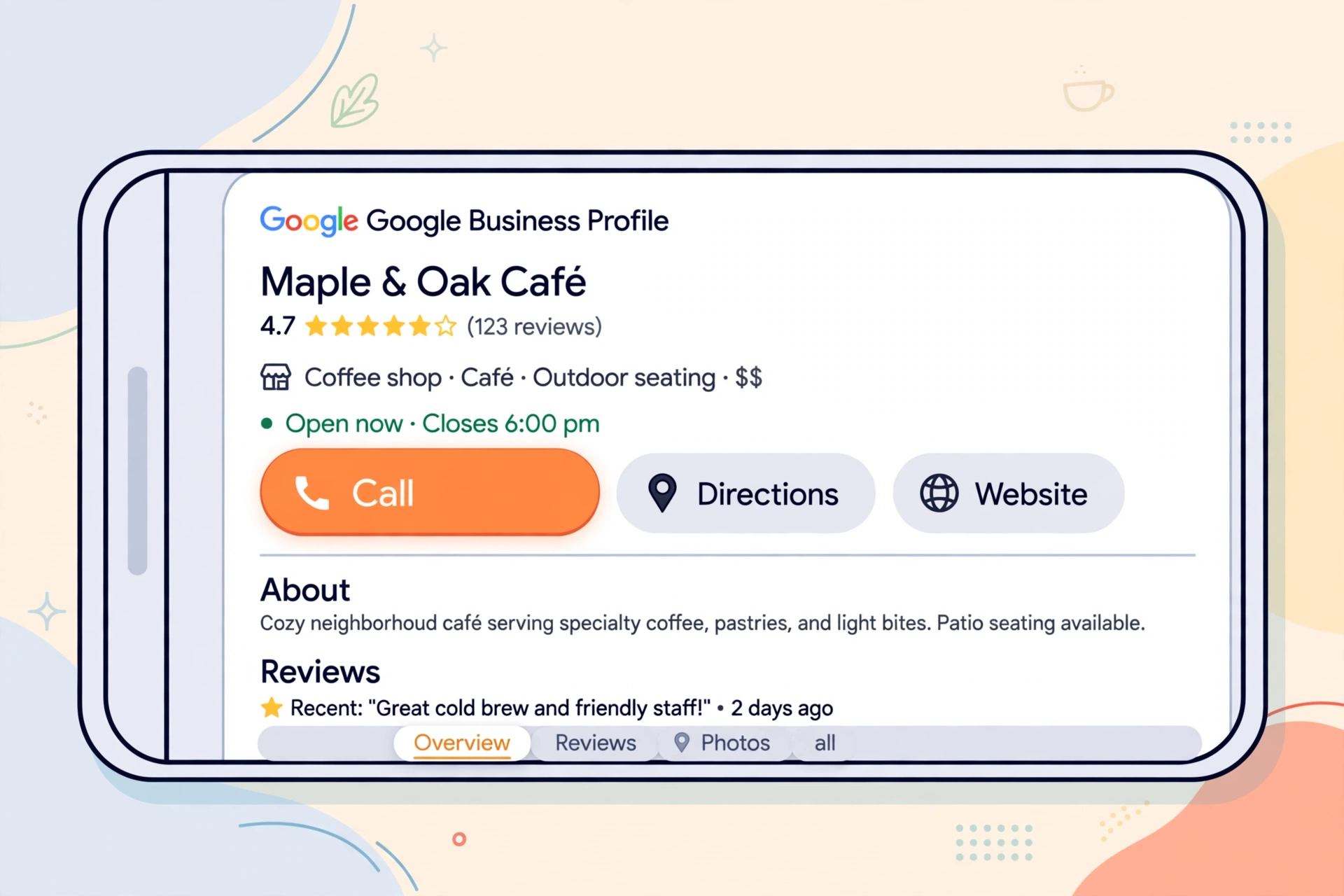
Open your Google Business Profile dashboard and look at the performance figures for the last 28 days. You will see how many people viewed your profile and how many took an action: calls, direction requests, website clicks, messages.
If views are healthy but actions are close to zero, the listing is being seen and skipped. That is fixable. If views themselves are near zero, your problem is visibility, not conversion, and category and ranking work matters more than anything below.
Fix 1: Make calling you the easiest button on the screen
Check the phone number on your profile yourself, on your own phone, right now. Is it the number you actually answer during opening hours? Old numbers, a partner’s mobile, and numbers that ring out to voicemail are silent call-killers.
Then look at the listing the way a customer does. On mobile, the call button sits next to directions and the website link. If your number is missing, wrong, or buried because the profile is incomplete, most people will not hunt for it — they will tap the next business instead.
Fix 2: Tighten your category and services so the right people find you
A profile can show on the map for broad searches yet be irrelevant to the people searching. If your primary category is vague and your services list is empty, you attract browsers, not buyers.
Make sure your services list names the specific jobs you want calls about, in the words customers use. A roofer who lists “roof repairs” and “gutter replacement” gets different searchers than one whose profile says almost nothing. Specific listings get fewer idle views and more real enquiries.
Fix 3: Add photos that make people trust you enough to call
Most people glance at photos before they decide to call anyone. A profile with one dark photo from years ago — or only a street-view shot of a closed shutter — does not earn a call.
Add clear, recent photos: your team at work, finished jobs, the inside of your premises, your vehicles with signage. Real photos answer the customer’s silent question, “Is this a proper business?” When the answer looks like yes, the call comes much more easily.
Fix 4: Fix your hours, especially the “Open now” filter
A large share of local searches happen with urgency: a burst pipe, a locked door, a car that will not start. Many of those searchers filter or instinctively choose businesses that show as open.
If your hours are wrong, missing, or your holiday hours were never updated after the last break, Google may show you as closed at the exact moment a ready-to-call customer is looking. Set normal hours carefully, add special hours for holidays, and check them again whenever your schedule changes.
Fix 5: Build recent reviews — and reply to them
When two businesses appear side by side, the one with more, newer reviews usually gets the call. A profile whose last review is from two years ago reads as half-abandoned, even if the business is busy.
Ask every happy customer, at the moment the job is done and they are pleased, to leave a review — and make it easy with your review link or a QR code at the till. Then reply to each review briefly and personally. Replies show the business is alive, attentive, and safe to call.
Fix 6: Check what happens after the tap
Some customers will not call first — they will tap your website link or directions instead, and judge you there. If that link is broken, points to an old page, or opens a site that is painful on a phone, you lose the enquiry you had already won.
Click every button on your own listing: call, website, directions, message if you use it. Fix anything slow, dead, or confusing. This takes ten minutes and is the check almost nobody does.
A quick word about direction requests
Calls are not the only action worth watching. If your direction requests are healthy but calls are not, people are finding you, considering a visit — and then choosing to check you out in person or not at all, rather than phoning ahead. That pattern usually points back to the same trust items above: thin photos, old reviews, unclear services. And if both calls and directions are flat while views look fine, suspect Fix 2 most of all: you are probably being shown to the wrong searchers, people whose real need your listing never quite matches.

Questions owners ask next
My views are healthy but actions are near zero — where do I start?
Start by confirming it in your profile dashboard: look at the last 28 days and compare views against actions — calls, direction requests, website clicks, messages. If views are fine and actions are close to zero, your listing is being seen and skipped, which is the fixable version of this problem. Then work the fixes in order, starting with whether the number on your profile is one you actually answer.
Could my phone number alone be killing the calls?
Yes — it is one of the most common silent causes. Old numbers, a partner’s mobile, and numbers that ring out to voicemail all lose customers who will not hunt for an alternative; they tap the next business instead. Check the number on your own phone, as a customer would: is it present, is it correct, and does it get answered during the hours your profile says you are open?
Direction requests are healthy but calls are not — what does that mean?
It usually means people are finding you and considering a visit, but choosing to check you out in person rather than phone ahead. That pattern normally points back to trust: thin or old photos, stale reviews, unclear services. Fix the same items — recent photos of real work, a steady flow of replied-to reviews, services written in customers’ words — and watch whether calls start catching up with directions.
How long should I wait before judging whether the fixes worked?
Judge by your profile actions over the next month, not by a few days of views. Calls follow trust and convenience far more than raw visibility, and trust signals — new reviews, fresh photos, correct hours — take a little time to accumulate. If actions are still flat after a month of honest fixes, revisit Fix 2: you may be showing to the wrong searchers entirely.
What to do next
Work through the 6 fixes in order, then watch your profile actions — not just views — over the next month. Calls follow trust and convenience far more than they follow raw visibility. If you run these checks for clients, or you are tired of repeating them by hand every month, you can see the system I use for the routine on my Local Alchemist AI page.
Disclosure: the page linked above contains an affiliate link. If you buy through it, I may earn a commission at no extra cost to you.