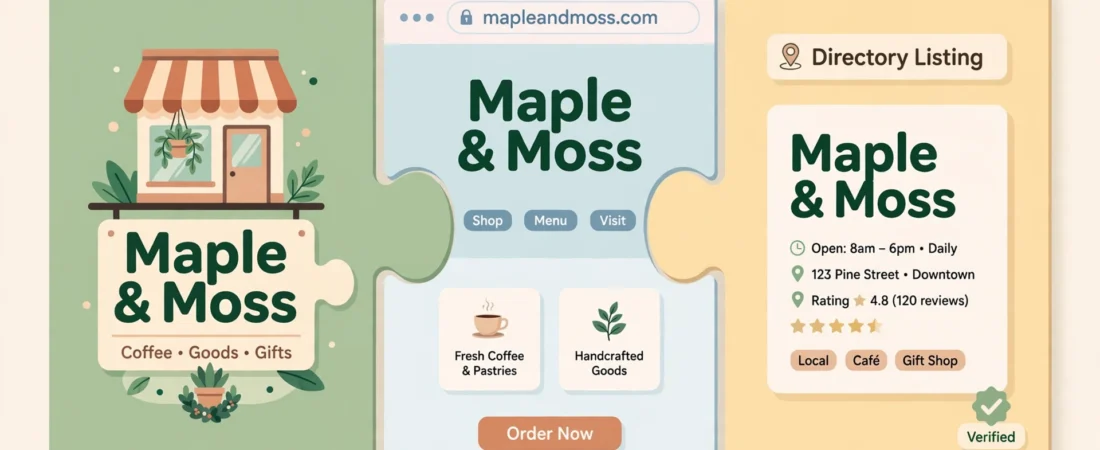
It sounds like the dullest topic in local marketing. It might also be the reason your business is harder to find than it should be. NAP consistency means your business Name, Address, and Phone number are written identically everywhere they appear online — your Google profile, your website, Facebook, directories, review sites, all of it.
Google does not just take your profile’s word for who and where you are. It cross-checks your details against the rest of the web. When the versions agree, trust builds and your profile is easier to rank. When they conflict — an old phone number here, a slightly different name there — Google hedges, and customers get confused too.
The short answer
NAP consistency means your business name, address and phone number are written identically everywhere online — Google profile, website, directories, social pages. Google cross-checks these versions to decide whether listings describe one business. Decide one official version, fix your profile and website first, then work outward through directories; even tiny mismatches weaken trust.
What counts as a mismatch (it is smaller than you think)
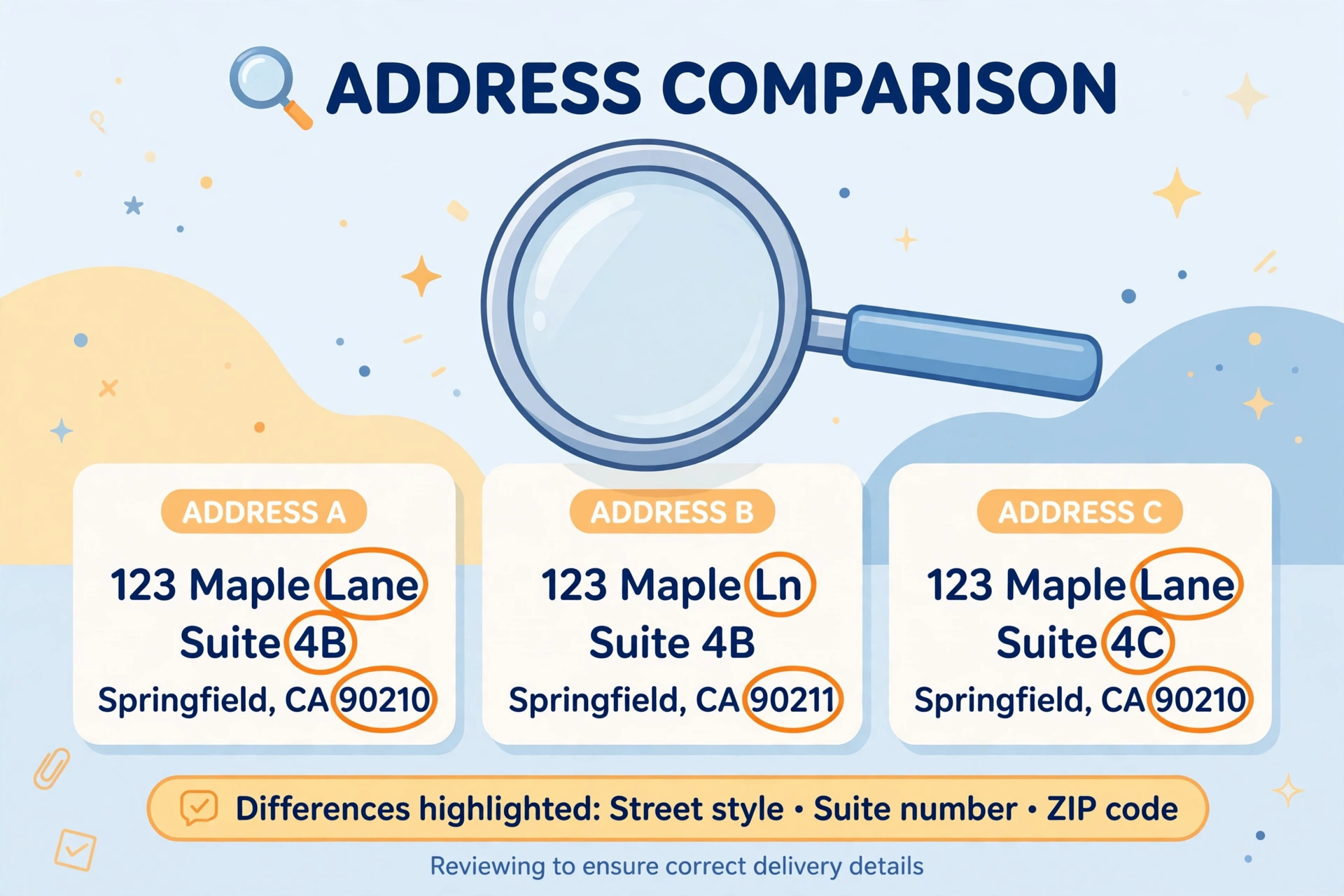
You do not need a dramatic error to have a NAP problem. The common ones are tiny:
- Name variations — “Smith & Sons Plumbing Ltd” on Companies House, “Smith and Sons Plumbing” on Google, “Smith’s Plumbing” on Facebook.
- Address formatting — “Street” in one place, “St” in another; a suite or unit number present on your website but missing from directories; an old postcode lingering after a move.
- Phone drift — a previous landline still listed on older directories, a mobile on Google but the office number on your site, or a call-tracking number used inconsistently.
Individually, each looks harmless. Together, they make it genuinely harder for Google to be certain all these listings describe one business — and certainty is what rankings are built on.
Why it matters for customers, not just for Google
Put the algorithm aside for a second. A customer who finds two different phone numbers for you has to guess which one works. Many will not guess — they will call the competitor whose details look settled. A customer who drives to the address version without the unit number and cannot find your door has a story to tell, and not a good one. NAP consistency is basic trust hygiene: one business, one identity, everywhere.
Step 1: Decide your one official version
Before fixing anything, write down the canonical version of your details, exactly as they should appear:
- The business name as it appears on your signage and legal documents.
- The full address in one fixed format, including unit or suite if you have one.
- The one phone number you want the whole internet to use.
Save this somewhere you will find it again — a note, a document, the top of a spreadsheet. Every future listing, advert, and directory entry gets copied from this source, never typed from memory.
Step 2: Fix the two places that matter most
Start with your Google Business Profile and your website, because Google weighs them heaviest and customers see them first. Make the name, address, and phone on your site’s contact page and footer match your official version character for character, and do the same on the profile. If your website currently shows a different number “for the website,” retire that experiment — consistency beats clever tracking here, unless every listing uses the same tracked number without exception.
Step 3: Work outward through directories and social profiles
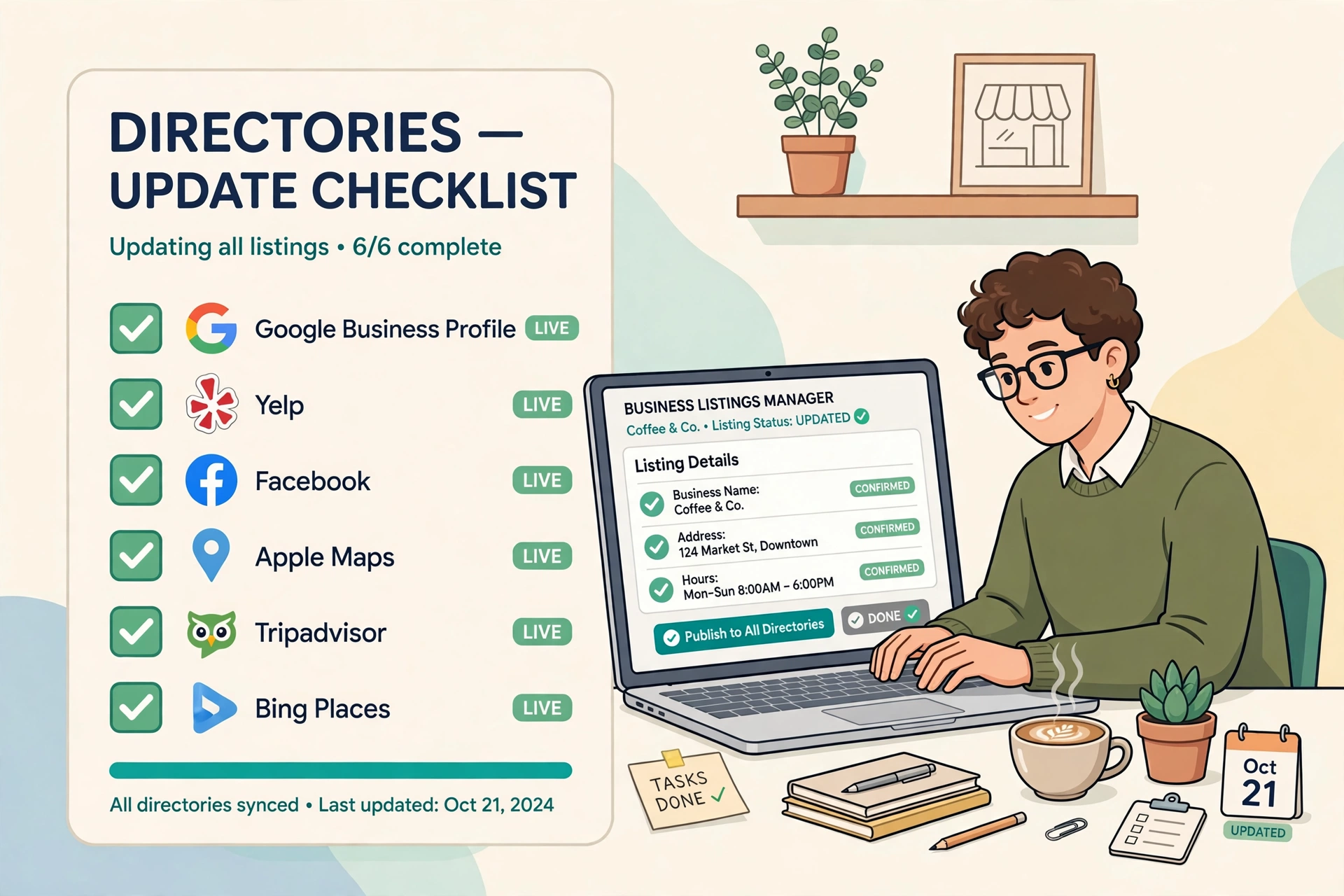
Next, go through the places your business appears: the big directories for your country and trade, review platforms, Facebook, Instagram, and any local listings you have claimed over the years. Search your business name plus your town and open the first couple of pages of results. Wherever you find a listing you control, correct it to the official version. Where you find one you cannot edit, claim it or request the correction — most platforms have a process, and it is usually quicker than people expect.
This is a half-hour job for most small businesses, not a project. Do it once, properly, and it stays done.
Moved premises or changed numbers? Read this first
If your business has moved or changed its main number, consistency matters even more, because the old details will linger online for years. Update the major listings immediately, and be patient: directories refresh on their own schedules, so a few stale copies may survive for a while. What you must not do is leave both versions “live” deliberately, for example by keeping a second profile at the old address — duplicates split your reviews and ranking signals and can trigger a suspension. One business, one profile, current details.
A 10-minute self-audit you can do today
You do not need any tool for a first pass. Open a private browsing window, search your business name plus your town, and open every result on the first page that lists your details. For each one, compare the name, address, and phone number against your official version, character by character, and note every difference in a simple list. Most owners who do this find at least two mismatches they never knew existed — an old directory entry, a forgotten social page, a listing created years ago by someone else. That list is your fix-it queue, in priority order.
Questions owners ask next
Does something as small as “Street” versus “St” really matter?
On its own, barely — and that is exactly the trap. Name variations, a missing unit number, an old postcode, a previous landline on one directory: individually each looks harmless. Together they make it genuinely harder for Google to be certain all these listings describe one business, and certainty is what rankings are built on. Customers face the same confusion when two phone numbers both claim to be yours.
We moved premises last year — what should I do about the old listings?
Update the major listings to the new details immediately, and expect some stale copies to survive for a while, because directories refresh on their own schedules. What you must not do is leave both versions live deliberately — for example by keeping a second profile at the old address. Duplicates split your reviews and ranking signals and can trigger a suspension. One business, one profile, current details.
Can I use a call-tracking number on some listings?
Only if consistency survives it. If your website shows a different number “for the website” while everywhere else shows the main line, that mismatch does more harm than the tracking does good. The exception is when every listing uses the same tracked number without exception, so the web still shows one identity. For most small businesses, one honest number everywhere is the safer choice.
How can I check my own NAP in ten minutes?
Open a private browsing window, search your business name plus your town, and open every first-page result that lists your details. Compare the name, address and phone number on each against your official version, character by character, and write down every difference. Most owners find at least two mismatches they never knew existed — that list is your fix-it queue, in priority order.
What to do next
Write down your official NAP version today, fix your Google profile and website to match it exactly, then spend thirty minutes cleaning the directories that show up when you search your own name. If you run local marketing for clients, this audit is one of the first checks worth systemising — you can see how I organise client checks like this on my Local Alchemist AI page.
Disclosure: the page linked above contains an affiliate link. If you buy through it, I may earn a commission at no extra cost to you.