
Dubai customers search the way customers everywhere search: on Google, on their phones, usually minutes before they spend money. What differs in Dubai is who is searching — residents and tourists side by side, in English and Arabic — and how they make contact, which is often a WhatsApp message rather than a phone call. A Google Business Profile set up for Dubai has to be built for that reality from the first step, not patched later.
This guide is the setup sequence from zero: no profile yet, or one that was auto-created and never claimed. If you already have a profile and want to check
an existing one instead, work through the complete Google Business Profile audit checklist — this article is about building it right the first time.
The short answer
Setting up a Google Business Profile in Dubai means building for how the city actually searches: claim any existing listing instead of creating a duplicate, use your licensed trading name in English and Arabic, pick the most specific primary category, expect video verification, and set services, hours and WhatsApp contact for residents and tourists alike.
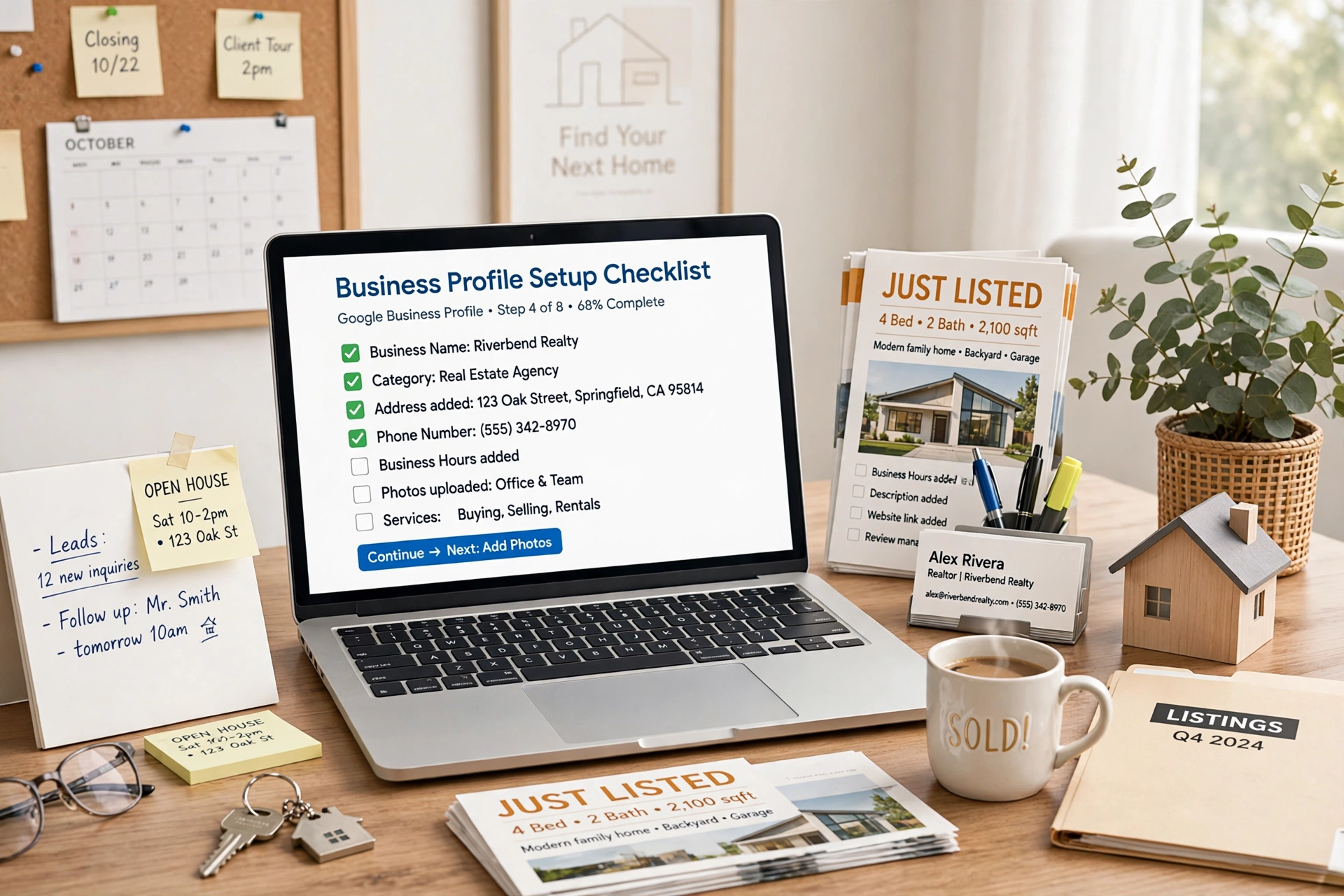
Step 1: Create or claim the profile with the real trading name
Search Google Maps for your business name first. If a listing already exists — Google creates many automatically from directory data — claim it rather than creating a second one, because two listings for one business split your reviews and confuse the ranking signals.
Use the name on your trade licence and your shopfront signage, exactly. Do not add keywords (“Best Real Estate Dubai Marina”) or a neighbourhood to the name field: that breaches Google’s naming rules and is a common cause of suspensions. Dubai adds one genuine extra step here: the profile lets you add the business name in Arabic as well as English. Fill in both. A large share of Dubai searches happen in Arabic, and a profile that exists in both languages is complete in a way most competitors never bother with.
Step 2: Pick the primary category like a customer, not an owner
The primary category is the single strongest signal telling Google which searches your business belongs in. Choose the most specific category that matches what the business actually is: “Real estate agency”, not “Real estate consultant” if you run an agency; “Hair salon”, not “Beauty salon” if hair is the main trade.
If you are unsure between two categories, the fuller guide to choosing the right primary category walks through the decision. Secondary categories can be added afterwards for genuine additional services — never as a net to catch unrelated searches.
Step 3: Verification — expect it, and do not edit while it runs
Most Dubai profiles verify by video: Google asks you to record a short video showing your signage, your location, and proof you manage the business (keys, branded materials, or the office interior). Some established businesses are offered postcard or phone options instead.
While verification is pending, leave the profile alone. Repeated edits to the name, address or category during the pending window can restart the process or trigger a manual review. Verification typically resolves within a few business days; until it does, the profile may not be fully visible, and that wait is normal — it is not a sign you did something wrong. Freelancers who set up profiles for several clients keep each business’s verification status and remaining setup steps tracked in one client workspace, so no client’s pending window gets disturbed by accident.
Step 4: Address or service areas — be honest about how you trade
If customers visit you at a physical location — a shop, salon, clinic, office — enter the full address with the building name and neighbourhood, the way a taxi driver would need it written.
If you visit customers instead — cleaners, movers, mobile services, many real-estate agents — hide the address and set service areas instead. Name the neighbourhoods you genuinely cover: Dubai Marina, Jumeirah Village Circle, Business Bay, JLT, and so on, only where you really work.
Step 5: Services, hours and contact — written for how Dubai actually buys
List every service individually, with descriptions a customer would recognise. “Property management”, “Off-plan sales”, “Leasing” — each as its own service entry. The fuller method for writing Google Business Profile services so they rank applies here word for word.
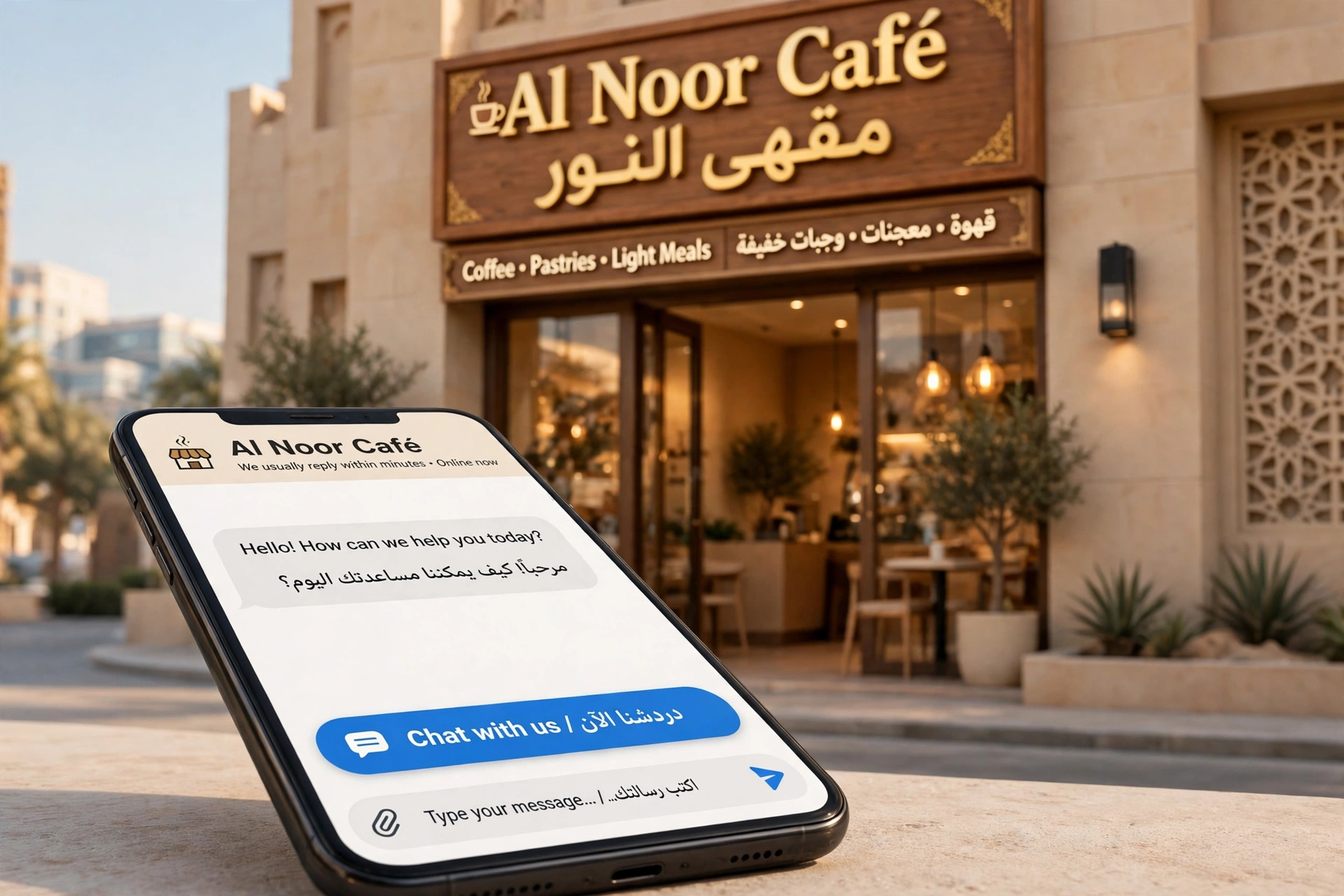
Set hours carefully, including Friday patterns and any late-night trading, and keep them updated through Ramadan and public holidays, when hours genuinely change across the city. Then add the contact routes Dubai customers actually use: a phone number that is answered during trading hours, and the chat/messaging options switched on where available — many UAE customers will send a WhatsApp enquiry long before they would ever place a call.
A worked example: a real-estate agency set up from zero
Here is the sequence as one followable example — an illustrative walkthrough, not measured results. A small agency opens in Business Bay with no Google presence at all:
- Name: Maps search shows no existing listing, so a new profile is created under the licensed agency name, in English and Arabic.
- Category: Primary category set to “Real estate agency”. Secondary categories added later only for genuine lines of work.
- Location type: Clients visit the office, so the address is shown, written with building name and Business Bay clearly stated.
- Verification: A video verification is completed the same day — office signage, the view confirming the location, and branded business cards on camera. It clears in three days. Nothing is edited while it is pending.
- Services: Leasing, sales, property management and off-plan each listed separately, each with a short description naming the neighbourhoods covered.
- Service areas: Although the address is shown, the areas served are also set: Business Bay, Downtown Dubai, Dubai Marina and JVC — where the agents actually hold listings.
- Contact: Phone number added, messaging enabled, opening hours set including Saturday working, which is normal for Dubai agencies.
- Photos: The office, the team and two recognisable building exteriors added in the first week — real photos, not stock skyline shots.
Nothing in that sequence is advanced. What makes it work is that every field a customer checks before enquiring was completed deliberately, in both languages, on day one — which is why agencies setting up now often keep the whole routine organised in one simple system rather than scattered notes.
Ranking basics after setup
A new profile will not outrank established competitors in its first weeks, and anyone promising otherwise is selling something. What moves a Dubai profile up is the steady basics: reviews arriving regularly and answered in the language they were written in, photos refreshed monthly, services and hours kept accurate, and the same business name, address and phone format used on your website and directories. Neighbourhood searches are won by relevance and proof, not by tricks — a complete profile in a defined area beats a keyword-stuffed one covering “all Dubai” every time.
Questions owners ask next
A listing for my business already exists on Maps. Should I claim it or start fresh?
Claim it. Google creates many listings automatically from directory data, and creating a second one for the same business splits your reviews and confuses the ranking signals. Search Maps for your business name first, claim what is there, and only create a new profile when nothing exists.
Can I add keywords or my neighbourhood to the business name to rank better?
No. Use the name on your trade licence and your shopfront signage, exactly — adding things like “Best Real Estate Dubai Marina” breaches Google’s naming rules and is a common cause of suspensions. Dubai does give you one genuine extra: the profile lets you add the business name in Arabic as well as English. Fill in both; a large share of Dubai searches happen in Arabic.
How long does verification take, and can I keep editing while it runs?
Most Dubai profiles verify by video — signage, location, and proof you manage the business — and verification typically resolves within a few business days. While it is pending, leave the profile alone: repeated edits to the name, address or category can restart the process or trigger a manual review. The profile may not be fully visible during the wait, and that is normal, not a sign you did something wrong.
Should I show my address, or hide it and set service areas?
It depends on how you trade. If customers visit you — a shop, salon, clinic, office — enter the full address with the building name and neighbourhood, written the way a taxi driver would need it. If you visit customers instead, hide the address and set service areas, naming only the neighbourhoods you genuinely cover: Dubai Marina, JVC, Business Bay and so on, only where you really work.
What to do next
If your Dubai business has no profile, set aside one focused hour this week and work through the five steps above in order: claim, category, verify, location, services and contact. If a profile already exists but was never properly finished, run it against the audit checklist linked earlier and fill the gaps you find. And if you would rather see the whole job — profile, reviews, posts and reporting — organised in one place, you can look at the setup on my Local Alchemist AI page.
Disclosure: the page linked above contains an affiliate link. If you buy through it, I may earn a commission at no extra cost to you.