
AI tools are genuinely useful for local marketing now. They can draft a post in seconds, turn rough notes into a readable report, and suggest wording for a tricky review reply. They are also genuinely unreliable in exactly the places where local marketing matters most: opening hours, prices, addresses, and anything a customer will act on.
The businesses and freelancers getting value from AI are not the ones who trust it most. They are the ones with the clearest line between what the tool drafts and what a human checks before anything goes public.
The short answer
AI tools are genuinely useful for local marketing first drafts — posts, captions, report summaries, review-reply wording — and genuinely unreliable on facts customers act on. The workflow that works is draft, check, then publish: a human verifies facts, names and specifics, policy compliance, tone and claims before anything goes public. Used that way, AI saves time without publishing errors.

What AI does well
AI is strong at first drafts and reshaping. Give it rough notes and it will produce a readable profile post, a set of photo captions, a summary of a month’s work, or three versions of a reply to a happy customer. It is good at varying sentence structure, fixing grammar, and turning a bullet list into paragraphs.
It is also useful for brainstorming: service descriptions to choose between, questions customers might ask, or angles for a seasonal post. Freelancers often keep drafts, checks and client notes in one client workspace so nothing AI-assisted slips out unchecked.
Where humans must check, every time
Before anything AI drafts reaches a customer, a human must verify five things:
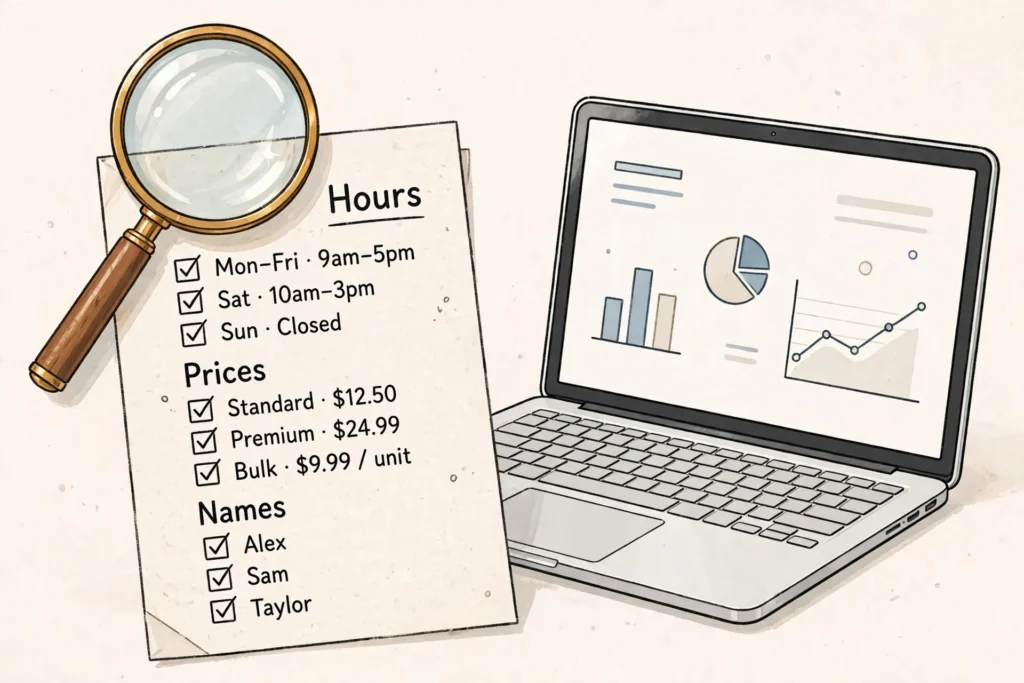
- Facts. Hours, prices, addresses, dates and service details. AI tools invent plausible-sounding details with complete confidence, and a wrong price on a public profile is worse than no post at all.
- Names and specifics. Staff names, job details, product names and place names from the actual job, not a generic version. A reply that thanks the wrong person or describes the wrong job destroys trust instantly.
- Policy compliance. Review replies must never offer anything in exchange for changing or removing a review, and must never selectively encourage only positive reviews — review gating is prohibited. AI drafts sometimes suggest exactly that kind of incentive, phrased politely, so check every draft against the rules.
- Tone. AI drafts tend toward the same warm, generic voice. A business that always sounds like a template stops sounding like itself. Edit until it reads like the owner.
- Claims. Never let a draft claim a ranking, a result, or a statistic you have not verified. If the draft says “best in town” or quotes a figure, cut it unless you can stand behind it.
This is not a one-off warning. It is the workflow: draft, check, then publish. Skipping the check step turns a time-saver into a liability.
A worked example: one week’s AI-assisted workflow
Here is an illustrative example with followable numbers, not measured data. Imagine a fictional freelancer managing three small clients and using an AI tool for drafting, with a strict checking step:
- Monday (30 minutes): the freelancer writes rough notes for three profile posts, one per client, and asks the AI tool for a first draft of each. Checking time: 10 minutes per post, verifying the service, price mention and opening-hours claim against each client’s real details. One draft invents a “20% off” offer that does not exist — cut before publishing.
- Wednesday (25 minutes): six new reviews across the three clients. The AI tool drafts six replies from the review text plus the freelancer’s notes. Checking time: 5 minutes per reply, fixing one wrong staff name and one reply that thanked a customer for a service they did not buy.
- Friday (40 minutes): month-end notes for one client are turned into a draft one-page report. Checking time: 15 minutes, correcting two figures — the number of reviews answered and the number of photos added — against the freelancer’s own tracker.
Total for the week: about 95 minutes of drafting and checking, producing three posts, six replies and one report. Without the tool, the same work might take twice as long; without the checking, at least three errors would have gone public. That ratio — time saved, errors caught — is the honest measure of whether AI is helping you.
AI and search: a line worth keeping clear
There is a related question many owners ask: as AI search answers grow, will a Google Business Profile still matter? That is a different question from using AI tools day to day — see whether Google Business Profile still matters as AI search grows rather than mixing the two. The short version: AI tools help you produce the content, but the profile itself — accurate, reviewed, visibly maintained — is still what customers check before they call.
Choosing tools without overspending
You do not need five AI subscriptions to run local marketing. One general drafting tool, used well, covers posts, replies and reports. Pay for more only when a specific job — such as image creation or transcription — is eating hours every week. Check what any tool does with your clients’ data before you paste it in: client names, addresses and private details should not go into a tool whose terms you have not read.
A note on the system behind this site
Readers sometimes ask what system organises the kind of workflow described here. The system I use is a local-marketing tool that pulls client work — profiles, reviews, content and reporting — into one place. Be clear-eyed about what that means: it is not fully automatic. Buyers need their own hosting and their own OpenAI, Gemini or Claude API keys, which carry their own costs, and every piece of AI output it produces still needs a human review before it reaches a customer. Anyone selling you a version of this work as “set and forget” is selling you the errors described above, just faster. The value is in the workflow — draft with the tool, check like a professional, publish only what is true.
If that honest version of the workflow appeals to you, the system’s own page sets out what the system does and what it needs from you.
Country differences worth knowing
One labelled note covers the genuine differences. The draft-and-check workflow is identical in the UK, US, Canada and Australia, but spelling, date formats and place names must be checked per client — an AI draft written in American English will look wrong to a UK customer, and vice versa. Review and advertising rules also vary slightly by country, so a draft that is compliant in one market should not be assumed compliant in another without a check. Keep one workflow, and localise the check, not the tool.
Questions owners ask next
Can I let the AI reply to reviews automatically, with no check?
No — that is precisely the workflow this article warns against. AI drafts sometimes suggest exactly the things the rules prohibit, like an incentive to change a review, phrased politely enough to slip past a skim-read; review gating is prohibited, and a reply offering something for a changed review breaches policy however warm it sounds. The check is not a one-off warning: draft, check against the five points, then publish, every time.
How often do AI drafts actually contain errors?
Often enough that catching them is the honest measure of the tool’s value. In the worked example above, one week of drafting produced an invented “20% off” offer that did not exist, a wrong staff name, a reply thanking a customer for a service they did not buy, and two wrong figures in a report — all caught by about ninety minutes of checking. Count the errors you catch; if the count is zero, you are probably not checking.
Do I need several AI tools and subscriptions to do this well?
No. One general drafting tool, used well, covers posts, replies and reports. Pay for more only when a specific job — image creation or transcription, say — is eating hours every week. And before pasting anything in, check what the tool does with your clients’ data: client names, addresses and private details should not go into a tool whose terms you have not read.
Will AI search answers make my clients’ Google profiles pointless?
That is a different question from using AI tools day to day, and the short answer is no. AI tools help you produce the content, but the profile itself — accurate, reviewed, visibly maintained — is still what customers check before they call. The businesses at risk are not the ones using AI; they are the ones publishing AI output with wrong hours, wrong prices and invented claims, unchecked. Accuracy is the entire point, on both sides of the question.
What to do next
This week, try the workflow on one small job: draft three review replies with an AI tool, then check each against the five-point list above before posting. Count how many errors you catch — that count is your real measure of the tool’s value. If you want the drafting, checking and reporting organised into one client workflow, with the honest limits described above, you can see the system I use on my Local Alchemist AI page.
Disclosure: the page linked above contains an affiliate link. If you buy through it, I may earn a commission at no extra cost to you.