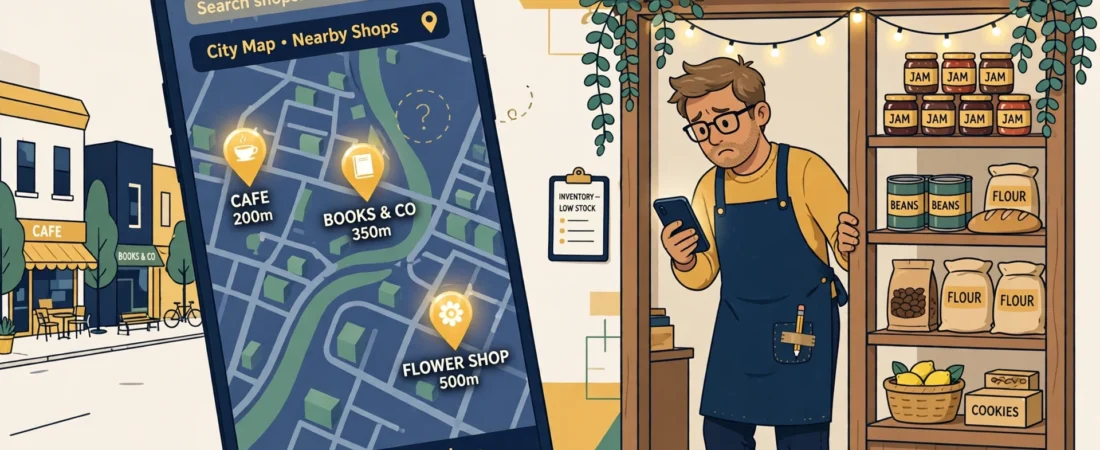
You have a Google Business Profile. Your website is live. But when you search your service and your town, your competitors appear in the map results — and your business is nowhere.
This is one of the most common problems local businesses face, and in most cases it is not a mystery. Google ranks the map results using what your profile tells it. If the profile is incomplete or sends mixed signals, Google simply shows someone else. Here are the 7 checks I run first, in order.
The short answer
A business usually vanishes from Google Maps for one of seven fixable reasons: the wrong primary category, an empty services list, conflicting address and service-area settings, an unverified, suspended or duplicate profile, too few or stale reviews, outdated photos and hours, or details that don’t match across the web. Start with the category — it is the strongest single signal.
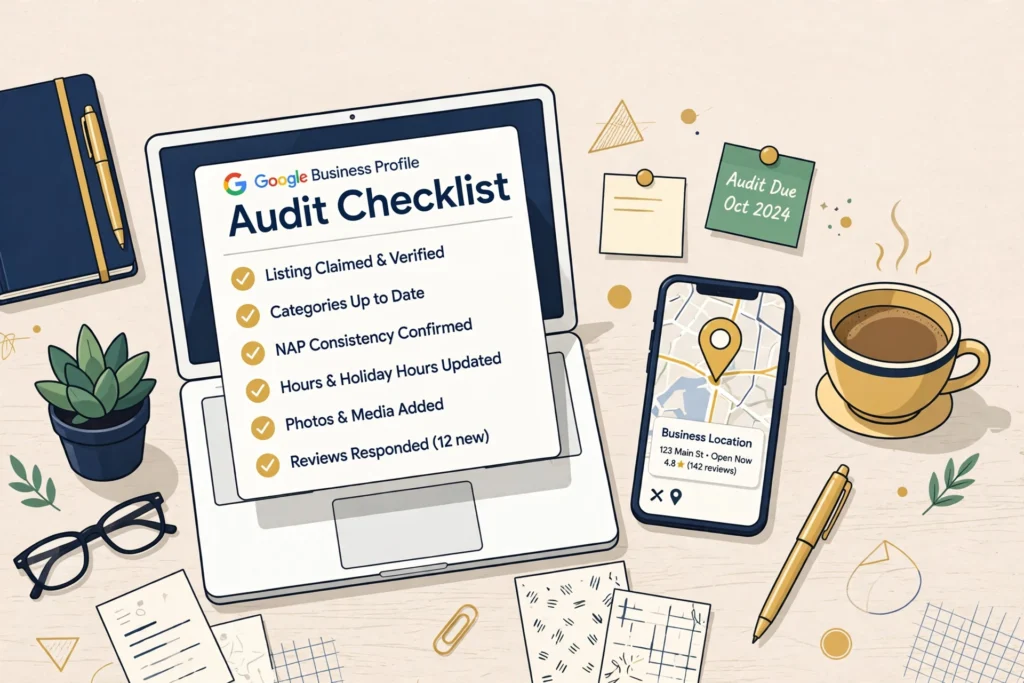
1. Your primary category is wrong or too broad
Your primary category is the single strongest signal in local search. Google cannot rank you for a job your category does not describe. Compare your primary category with the top 3 businesses that DO show on the map for your main search. If theirs is more specific than yours, that gap alone can explain your invisibility. Fix the category first, before anything else — every other check works better once this is right.
2. Your services list is empty or thin
The services section is what matches you to “near me” searches. A profile that lists one vague service is invisible for all the specific jobs customers actually type. Add every service you genuinely offer, each with a short, plain description of what it includes. This takes 20 minutes and is the check most businesses have never done.
3. Your address and service-area settings fight each other
If you visit customers at their location, you are a service-area business: hide the home address and set the areas you actually cover. If customers come to you, show the real address. Mixed-up settings — a hidden address with no service areas, or a service area on the other side of the country — confuse Google about where you belong in the results.
4. Your profile is unverified, suspended, or duplicated
Open your Google Business Profile dashboard and check the status honestly. An unverified or suspended profile will not rank, no matter what else you fix. Also search your business name on Google Maps: if an old duplicate listing exists, it splits your reviews and ranking signals between two profiles. Get the duplicate removed or merged.
5. Your reviews are too few, too old, or unanswered
Reviews are a trust signal customers and Google both read. BrightLocal’s Small Business Marketing Report 2026 found that 47% of consumers say they will not use a business with fewer than 20 Google reviews — and 47% of small businesses have fewer than 20. A slow, steady flow of recent reviews beats a burst from two years ago. Reply to every review, good and bad; the replies themselves are visible proof the business is active.
6. Your photos and hours are stale
Profiles with real, recent photos get more calls and direction requests than profiles using one old picture. Add genuine photos of your work, your team, and your premises regularly. Keep your opening hours — including holiday hours — accurate. Google shows “Open now” in the results, and a business marked closed at the moment a customer searches simply loses that customer.
7. Your name, address, and phone number do not match across the web
Google cross-checks your business details against your website and directories. If your name is written one way on your profile and another way on your website, or your profile’s website link points to a page that no longer opens, trust drops — and rankings follow. Make the name, address, and phone number identical everywhere, and click your own website link to be sure it loads.

Questions owners ask next
How long after fixing my profile will I show on Google Maps?
Simple fixes like the category and services list can change what Google shows within days. Ranking movement is slower: judge the result after a few weeks of a complete, active profile, not the next morning. Suspensions are the exception — nothing ranks until reinstatement is approved, and that review runs on Google’s timetable, not yours.
I appear when I search my business name, but not my service — why?
Because those are two different contests. A name search is almost uncontested, so even a weak profile wins it. A service-plus-town search (“plumber in Leeds”) is a ranking contest against every competitor, decided by category, services, reviews and relevance — checks 1, 2 and 5 above. Showing for your name but not your service is the most common pattern there is, and it is fixable.
Does my website affect whether I show on Google Maps?
Mostly indirectly. The map ranking is driven by your Google Business Profile, but Google cross-checks your website: the name, address and phone number must match, and the website link on your profile must actually open. A mismatched or dead website quietly lowers trust. Your website has its own separate job — winning the regular search results underneath the map.
My profile was suspended and reinstated — can it rank again?
Yes. Reinstatement restores your eligibility to rank; it does not restore your old position overnight. Rebuild steadily: complete every section, restart the review flow, keep hours and photos current. And while a suspension appeal is running, never create a second profile for the same business — duplicates make everything slower.
What to do next
Run these 7 checks in order. In my experience, an “invisible” business is usually failing on just one or two of them — most often the primary category and the empty services list. Fix those first, then give Google a few weeks of a complete, active profile before judging the result.
If you do this work for clients — as a freelancer or a small agency — you already know the hard part is not knowing the checks. It is repeating them, every month, for every client, and proving the work in a report the client actually reads. That routine is what I use a system for: you can see how it works on my Local Alchemist AI page.
Disclosure: the page linked above contains an affiliate link. If you buy through it, I may earn a commission at no extra cost to you. The 7 checks above work whether you use any tool or none.