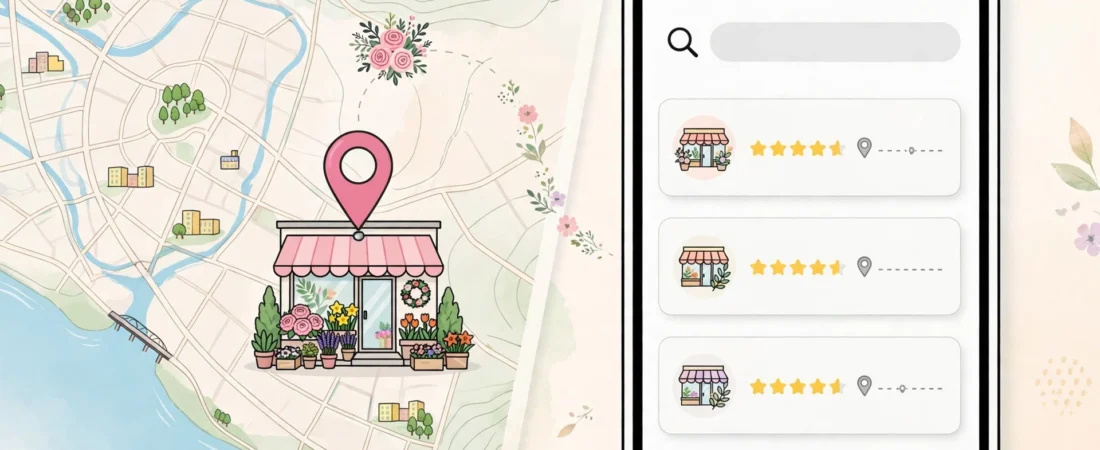
This is one of the most confusing visibility problems a local business can have. Open Google Maps, zoom into your street, and there you are — your pin, your name, your shop. Now search “florist near me,” or your category plus your town, and you are nowhere. If your business appears on Maps but not in search results, you do not have a missing-profile problem. You have a relevance problem, and it has a different fix.
That distinction matters, so let me draw it clearly at the start. If your profile is missing from search entirely — not verified, not indexed, not findable even by name — that is the problem covered in my article on a Google Business Profile not showing in search. This article assumes the opposite: your profile exists, is verified, shows on the map, and can be found by name. What it cannot do is earn a place in the ranked list — the local pack — when customers search by
category. Browsing a map and ranking in search are two different systems, and the second one judges you.
The short answer
Appearing on the map but not in local search is a relevance problem, not a missing-profile problem. Your pin shows because your business is located there; the ranked pack is a separate judgement based on relevance, distance and prominence. Diagnose in order: primary category first, then your services list, then an honest distance test.
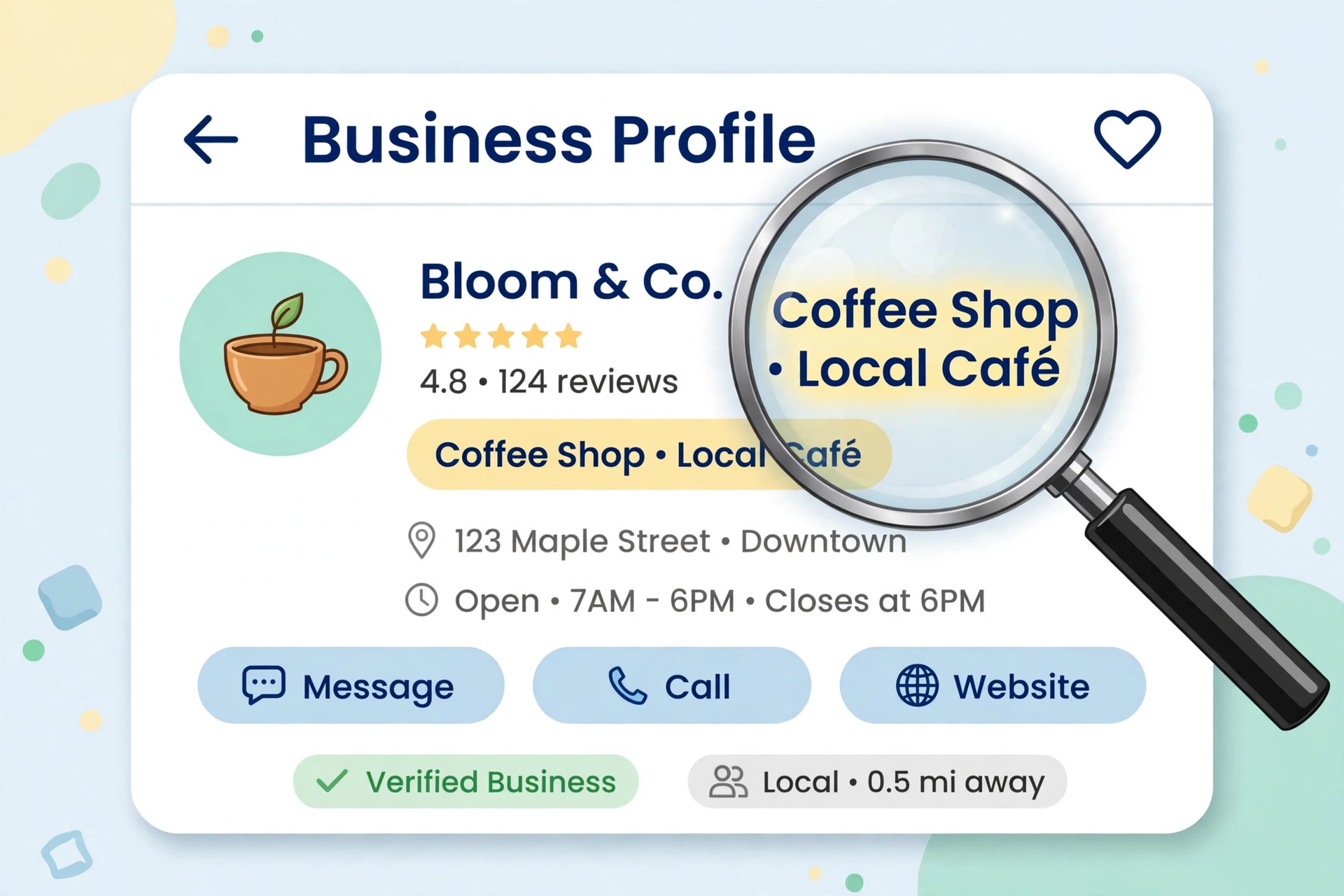
Being on the map is geography. Ranking in search is a judgement.
A pin appears on the map because your business is located there. That is geography, and it asks nothing about quality. The ranked results, though, are Google answering a question — “which businesses best match this search, near this person, right now?” — using relevance, distance, and prominence. When you are absent from that list, one of those three is letting you down:
- Relevance: does your profile clearly match the words searched — category, services, description?
- Distance: how far is the searcher from you, honestly measured?
- Prominence: do your reviews, photos, and information make you look like a leading option or a marginal one?
Diagnose in that order — relevance first, because it is the one most often wrong and the one you control most.
Check 1: Your primary category
Your primary category is the single strongest relevance signal you own. If it is broad, outdated, or simply not what customers type, the map still shows you (you exist), but search passes you over for competitors whose category matches the query exactly. A business listed under a general label while rivals use the specific one will lose those searches every day, quietly. Choosing it properly is a deliberate exercise — my guide on how to choose the right primary category walks through it, including how to read what the top-ranking competitors use.
Check 2: Your services list
Categories say what you are; services say what you do, in the customer’s words. A search for a specific service — “wedding flowers,” “same-day delivery,” “balayage” — matches against services, not hopes. An empty or thin services list leaves match after match on the table: Google cannot rank you for searches it cannot confirm you serve. Fill every genuine service, phrased the way customers phrase it. If you audit profiles for clients, this is the check that most often explains the map-without-search puzzle, and it belongs in a standard profile audit every time.
Check 3: Distance and prominence, honestly
Sometimes the first two checks are clean and the answer is simpler: the searcher is just far away, and nearer competitors with decent profiles take the three pack places. The pack is small; in a dense area, being the eighth-most-relevant business two miles away looks identical to being invisible. Prominence is the lever that partly offsets distance: more and better reviews, answered reviews, fresh photos, complete information. Keeping those prominence signals moving month after month is routine work rather than inspiration — the routine I use is built around exactly those checks. What the pack rewards, end to end, is covered in my guide to the Google Map Pack.
The worked example: the florist on the map but not in the results
An illustrative diagnosis. A florist appears when you zoom the map onto her street. She never appears for “florist near me” or “flower delivery [town].” Work the order:
- Category: her primary category is “gift shop” — chosen years ago because she sells gifts too. Every florist outranking her uses “florist.” This was the main fault: Google matched the category searches to them, not to her.
- Services: her services list is empty. “Wedding flowers” and “same-day flower delivery” — two of her best lines — are invisible to search. Fixed in fifteen minutes.
- Proximity: testing from across town, she still does not appear — correctly, because nearer florists do. Testing from her own neighbourhood after the fixes, she enters the results.
One wrong label had hidden a good business from the exact searches it lives on. The map never hinted at it, because the map was never the problem.
Test like a customer, not like the owner
One reason this problem goes undiagnosed for months is that owners test wrongly. Searching from your own shop, on your own phone, logged into your own account, is the single most flattering test available — Google knows you, knows the business, and shows it to you. Test the way a stranger would: use a private/incognito window or a phone that does not manage the profile, stand where a customer would stand (or search as if from their side of town), and use the words a customer would use — the category and “near me,” or the category plus the neighbourhood — never your business name. A name search only proves the profile exists; you already know that from the map. Then test more than once and from more than one spot, because the pack reshuffles with the searcher’s location. Appearing at your own postcode but nowhere else is not a mystery either — it is the distance check giving you its honest answer, and the remedy is the prominence work above, not another round of edits. Keep notes of what you searched, from where, and who appeared; three lines in a notebook turn a vague feeling of invisibility into a fixable list, and the same notes next month show you whether the fixes moved anything.

Questions owners ask next
Why do I appear when I search my own business name?
Because a name search is almost uncontested — even a weak profile wins it. It only proves the profile exists, which the map already told you. The test that matters is a stranger’s test: a private window or a phone that does not manage the profile, standing where a customer would stand, searching your category and “near me” — never your name.
I show at my own postcode but nowhere else in town. Is something broken?
Probably not. The pack reshuffles with the searcher’s location, and appearing at your own postcode but nowhere else is usually the distance check giving you its honest answer: nearer competitors with decent profiles take the three places. The remedy is prominence work — more and better reviews, answered reviews, fresh photos, complete information — not another round of profile edits.
Will adding keywords to my business name help me rank in search?
No — and it can hurt. Your business name must be your real trading name; stuffing it with services or places breaches Google’s naming rules and is a recognised suspension risk. The relevance levers you are allowed to pull are the primary category and the services list, which is exactly where the match to category searches is decided.
How soon after fixing my category and services should I expect to appear?
Treat it as a pattern to watch, not a switch. Test the way a customer would — more than once, from more than one spot — over the following weeks, and keep notes of what you searched, from where, and who appeared. Three lines in a notebook turn a vague feeling of invisibility into a fixable list, and the same notes next month show whether the fixes moved anything.
What to do next
Run the three checks in order on your own profile today: category, services, then an honest proximity test from a customer’s location — not from your own shop. If you run these diagnostics for clients, the routine I use to keep category, services, and review checks in one place is on my Local Alchemist AI page. It needs your own hosting and your own API keys, and its AI output needs a human review before anything goes live. If the opposite problem applies, run the checks for a business missing from Google Maps.
Disclosure: the page linked above contains an affiliate link. If you buy through it, I may earn a commission at no extra cost to you.